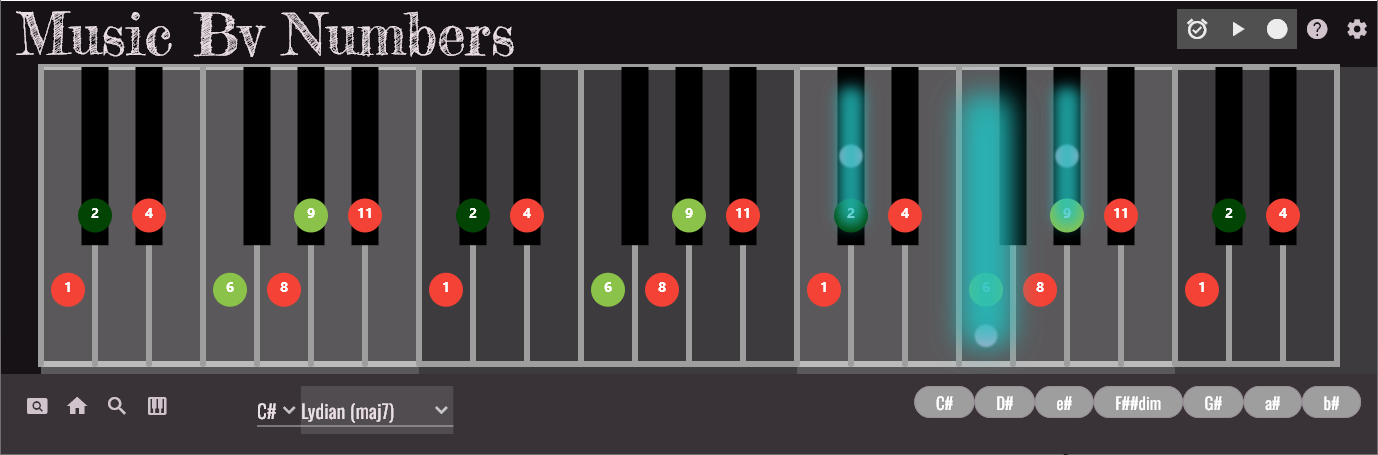
MBN uses MIDI to accompany your practice sessions and to help you produce new music
Build a progression with MBN and send synchronised single notes, arpeggios or harmonies to your DAW and/or virtual instruments
Learn with MBN how to turn this into a full backing band
You can also use MBN to send simple or complex chord shapes as a ’live’ MIDI input controller
Don’t yet know how to play a C# Diminished Triad? Let MBN show you how
Not sure what it should sound like? Hear it with MBN
The possibilities are endless
‘DAW’ usually refers to Digital Audio Workstation software that we can install on a computer to produce our own music
Most DAWs feature audio and MIDI recording or import
Processing and adding effects
Arranging and Layering
Mixing and Mastering
There is a whole chapter of content in Music By Numbers devoted to Recording Audio with your computer
In 1996 Steinberg released the Virtual Studio Technology (VST) interface specification
Now there are thousands of plugins available for us to integrate into our DAW
Some plugins are free and others are commercial
Audio is generated using digital signal processing (DSP)
Developers write software to emulate, or simulate, expensive and rare musical equipment as well as generate completely new sounds that would otherwise be impossible !
There is a whole chapter of content in Music By Numbers devoted to Recording Audio with your computer
Musical Instrument Digital Interface
A Windows driver such as https://www.nerds.de/en/loopbe1.html allows you to link the output of Music By Numbers to your DAW and Virtual Instruments
Your recorded sequences can then come alive by triggering strumming guitars, funky bass, synthesisers, drums etc
For inspiration see: https://www.amplesound.net/en/index.asp
Want to know more? Please contact us

Ready to Supercharge Your Music Skills?
Get the ultimate tool for unlocking the fretboard, understanding music theory and creating your own music
Get Music By Numbers